
DWG to PDF - Multi Format Convert
An in-depth review of DWG to PDF - Multi Format Convert for Windows. Learn how this CAD utility by Moonlight Tidal Technology simplifies document exports.
The Standout Feature: True Multi-Format Batch Exporting
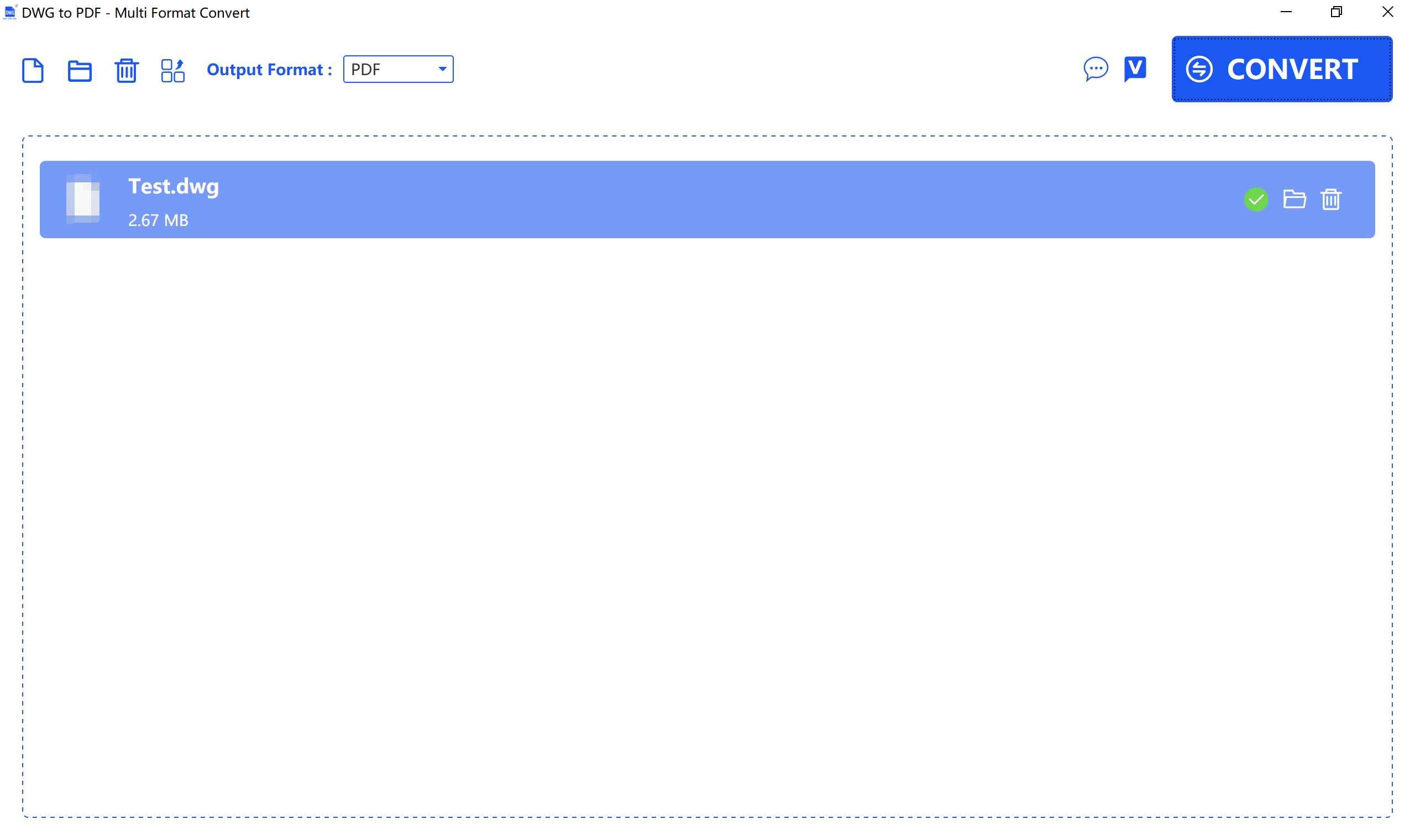
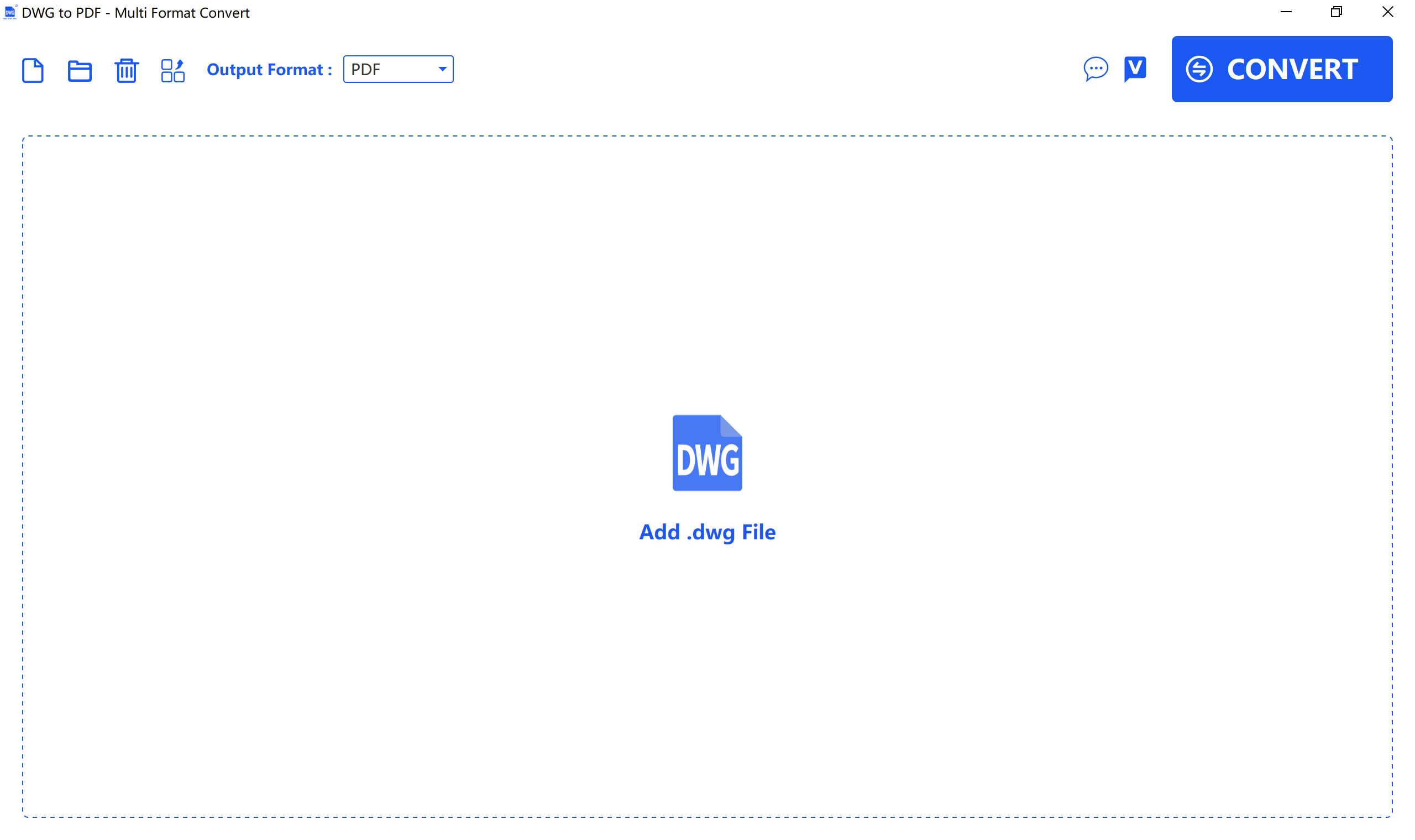
Many CAD utilities force you to convert files one by one, creating a massive bottleneck in your daily operations. DWG to PDF - Multi Format Convert breaks this mold by prioritizing bulk processing and multi-format versatility. Developed by Moonlight Tidal Technology, this Windows utility allows engineering and design professionals to queue up multiple heavy CAD drawings and convert them simultaneously, saving valuable hours during project delivery phases.
Key Features of DWG to PDF - Multi Format Convert
This software is built specifically to handle the intricate layers of CAD files without sacrificing rendering quality. Here is what makes the utility a strong contender for your design toolkit:
- Rapid Conversion Speeds: High-performance rendering engines ensure that complex vectors are translated into standard documents in seconds.
- Batch Processing Support: Stop wasting time on individual file uploads. Convert an entire folder of blueprints in a single session.
- Flexible Output Formats: Beyond standard vector PDFs for documentation, you can export your CAD files to transparent PNG images or highly compressed JPG files for quick presentations.
Who Is This CAD Utility For?
If you are an architect, mechanical engineer, or project manager working on Windows, you frequently need to share drafts with clients who do not own expensive CAD software. DWG to PDF - Multi Format Convert bridges this communication gap. It is ideal for anyone needing rapid, high-fidelity visual exports of DWG files without the overhead of launching heavy drafting suites.
Final Verdict
For Windows users seeking a streamlined, dedicated conversion tool, this application offers an efficient and reliable solution to manage file sharing. To explore the software further and integrate it into your professional workflow, check out the official listing on the Microsoft Store.