

Beekeeper Studio
Discover Beekeeper Studio, a premier SQL client and database manager for Linux. Read our review of its features, security, and query editor.
The Ultimate Solution for Modern Database Management
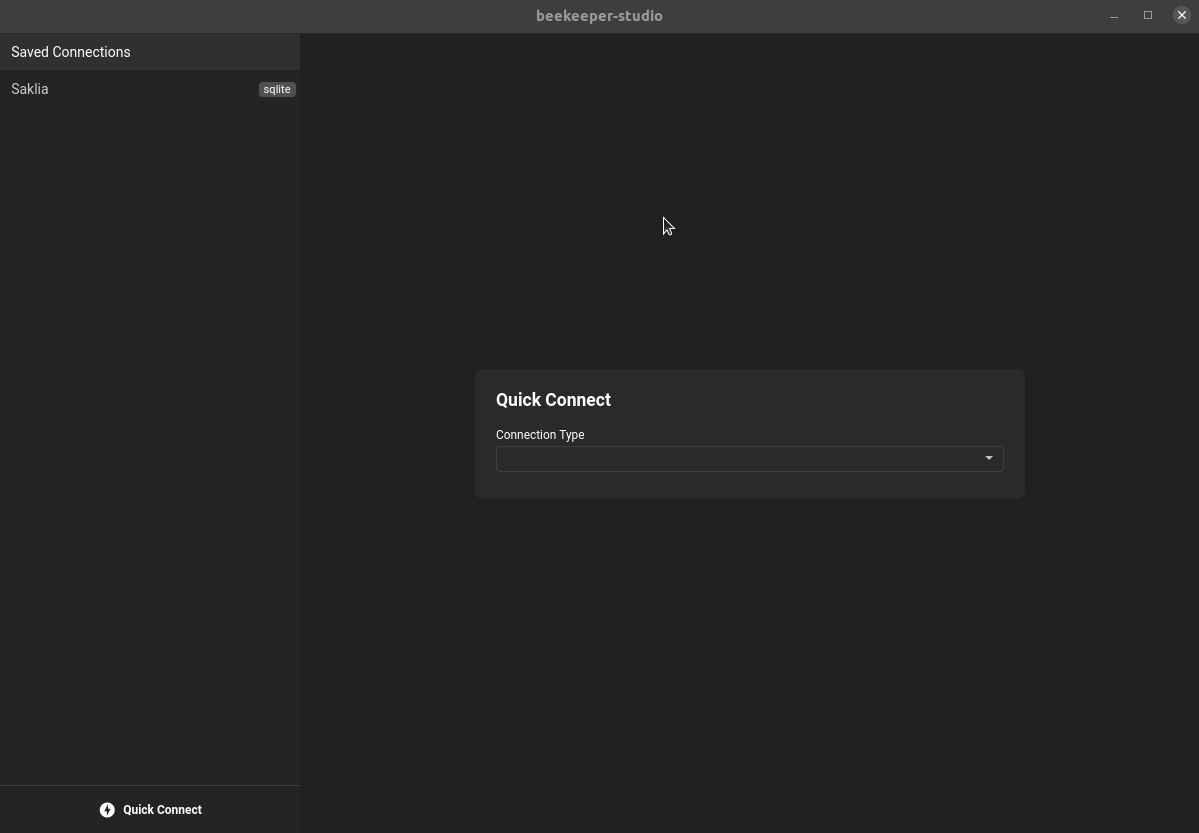
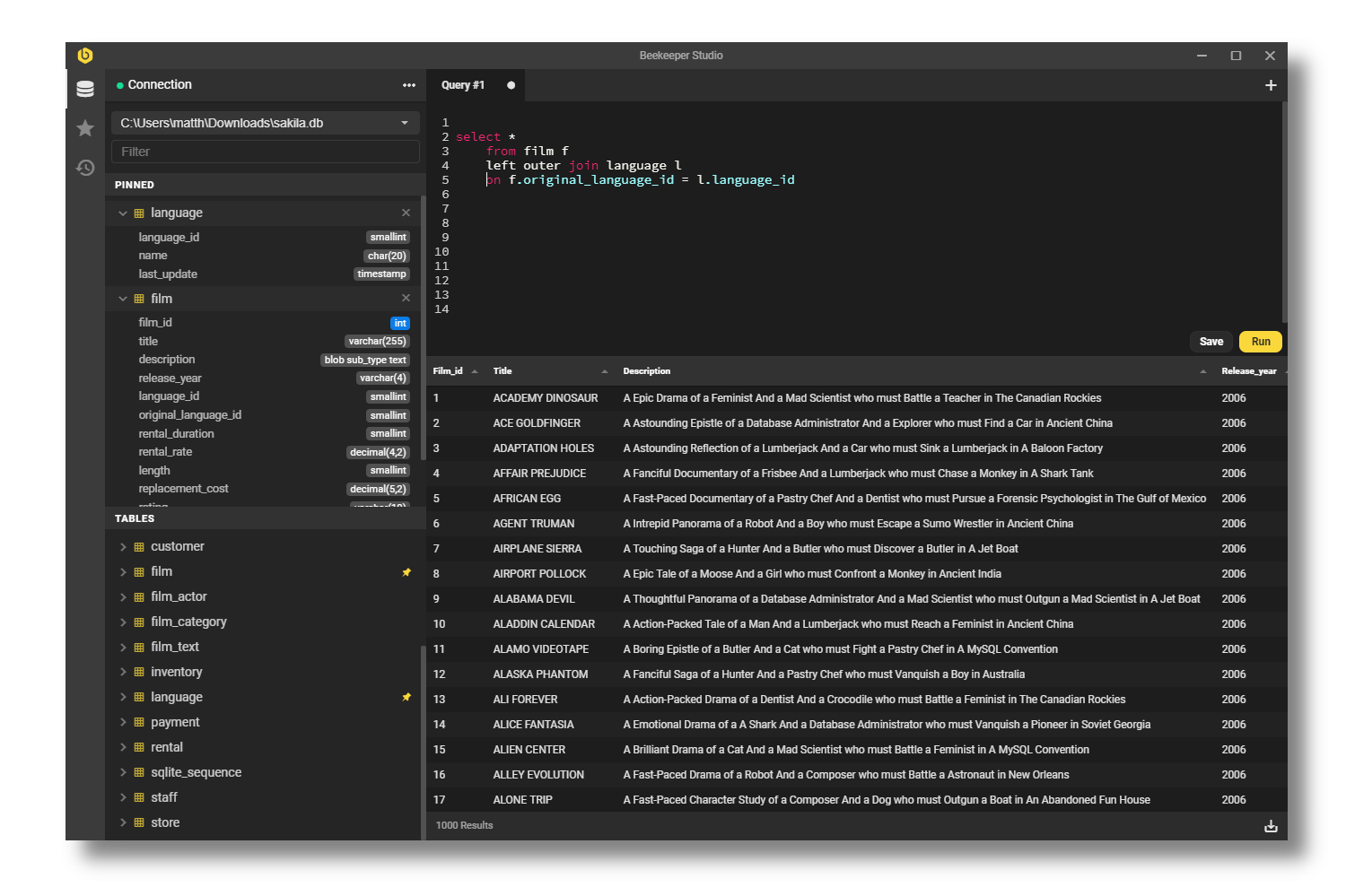
If you have ever struggled with cluttered database interfaces or clunky query editors, the Beekeeper Studio SQL client is designed to solve your frustrations. Developed by Beekeeper Studio, Inc, this Linux application stands out by providing an exceptionally clean, modern, and intuitive user interface. It eliminates the friction of managing multiple database types, allowing developers to focus on writing clean queries and organizing data efficiently without unnecessary cognitive load.
Versatile Connectivity and Robust Security
One of the most critical aspects of database administration is securing your connection. The Beekeeper Studio SQL client excels here by allowing you to connect through firewalls securely. Whether you need to encrypt your connection via SSL or tunnel through SSH, this tool handles it seamlessly. To make your workflow even smoother, Beekeeper Studio safely encrypts and saves your connection passwords, so you do not have to re-enter them constantly.
An Editor Designed for Speed and Organization
Writing SQL is faster and less prone to errors thanks to the built-in SQL auto-completion and syntax highlighting. The editor provides real-time suggestions for your tables and columns. Additionally, the interface supports opening dozens of tabs simultaneously. This means you can view table DDL, browse data, and write complex queries in separate tabs without constantly switching windows. You can also save your most frequently used SQL queries to a personal library, making it easy to run them again across different connections.
No-Code Table Creation and Easy Exports
You do not always need to write raw SQL to modify your schema. The application features an intuitive SQL table creator that lets you add, edit, or delete columns, indexes, and relationships in just a few clicks. When it comes to sharing your findings, exporting data is incredibly straightforward. You can export any table or filtered dataset directly to CSV, JSON, JSONL, or SQL format.
Is This Database Manager Right for You?
If you are a Linux developer, data analyst, or system administrator looking for a reliable, aesthetic, and highly functional environment to run queries on MySQL, Postgres, SQLite, or SQL Server, this tool is an exceptional fit. It balances advanced features like SSH tunneling with a beginner-friendly table editor.
To experience this modern database manager firsthand, head over to the official Flathub store page to explore its installation options for your Linux system.