

CapCut: Photo & Video Editor
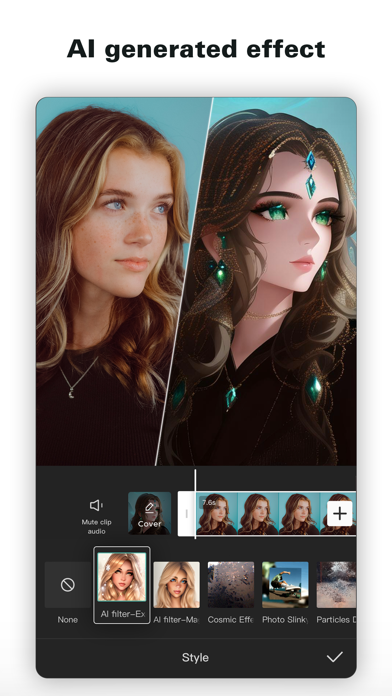
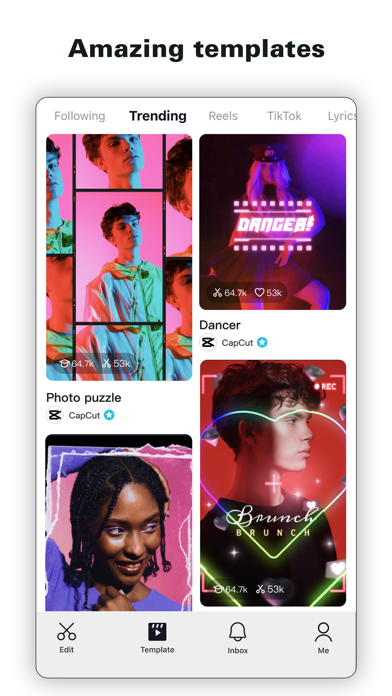
Read our comprehensive review of CapCut: Photo & Video Editor. Discover how this powerful tool simplifies high-quality mobile and desktop video editing.
The Ultimate Tool for Instant, Professional Video Editing
Whether you are trying to craft the next viral sensation or simply piece together a memorable family montage, CapCut: Photo & Video Editor delivers professional-grade editing power without the steep learning curve. Developed by BYTEDANCE PTE. LTD., this versatile application bridges the gap between complex desktop suites and quick mobile editors, making it an essential tool for content creators on Mac and mobile platforms alike.
Key Features of CapCut: Photo & Video Editor
The app stands out in the crowded communication and creative category by offering a robust suite of tools that cater to both beginners and seasoned editors. Here is what makes the application so powerful:
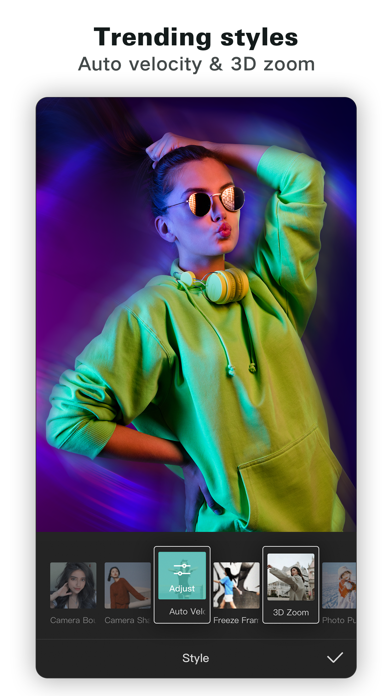
- Advanced Timeline & Speed Control: Easily trim, split, and merge clips on a multi-track timeline. Adjust video pacing from ultra-slow 0.1x up to a rapid 100x using smooth speed curves.
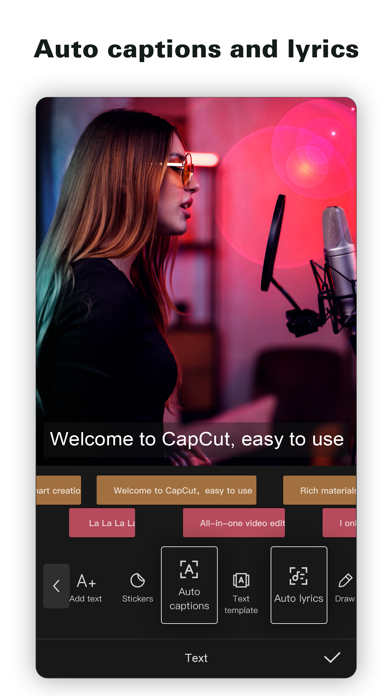
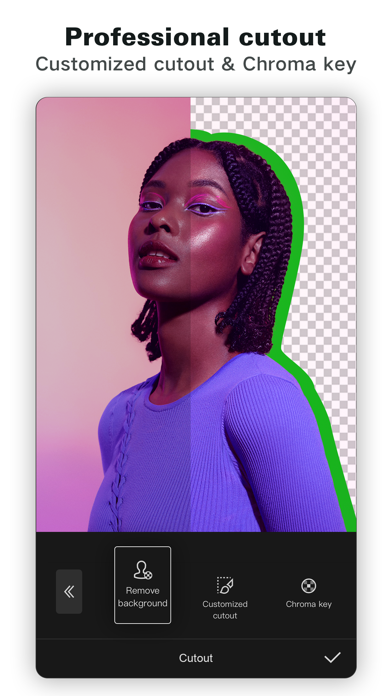
- Intelligent Automation: Save hours of manual work with AI-driven auto-captions, highly natural text-to-speech voiceovers, and instant background removal.
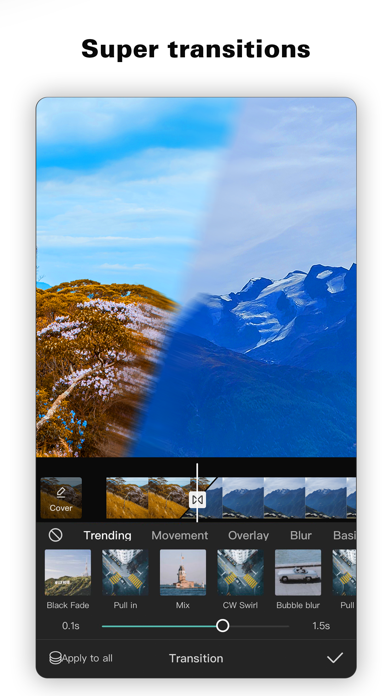
- Cinematic Effects & Keyframes: Apply precise keyframe animations for custom transitions, utilize chroma key for green-screen effects, and keep shaky footage steady with smart stabilization.
- Rich Asset Library: Access millions of trending music tracks, sound effects, weekly updated filters, and dynamic text templates directly inside the interface.
Who Is This Video Editor For?
CapCut: Photo & Video Editor is tailor-made for social media enthusiasts, vloggers, and digital marketers. If you frequently publish content on platforms like TikTok, YouTube, or Instagram, the built-in aspect ratio presets and direct export settings (supporting up to 4K at 60fps with smart HDR) streamline your entire production workflow. It offers the perfect balance of simplicity for quick edits and depth for more ambitious projects.
Our Verdict
With its intuitive drag-and-drop interface and high-end rendering capabilities, this application removes the technical barriers to creative expression. To experience these features firsthand, head over to the official App Store page to explore CapCut: Photo & Video Editor today.